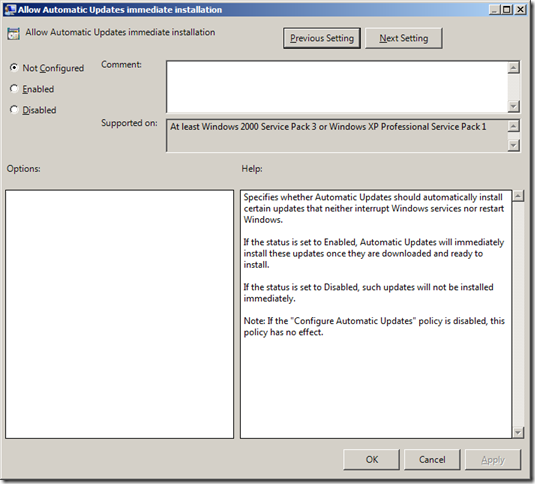
Group Policy Setting of the Week 9 — Allow Automatic Updates immediate installation
First of all thank you for coming to my new web site [www.grouppolicy.biz](
First of all thank you for coming to my new web site [www.grouppolicy.biz](
_**UPDATE: If you are thinking about doing this... DON'T this password group policy is not taken advantage of using the[MetaSploit](
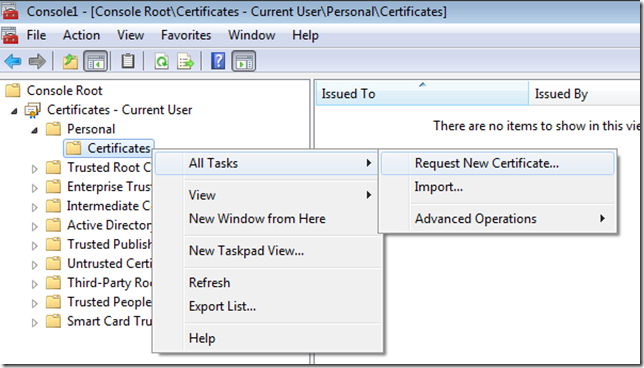
As I previously mentioned in Part 1 "use Group Policy to save "[How to use BitLocker to Go" recovery keys in Active Directory — Part 1](
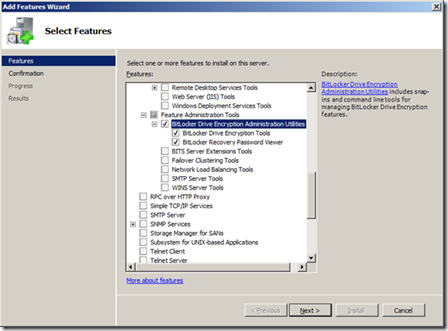
One of the cool new feature in Windows 7 Ultimate and Enterprise is the ability to encrypt USB devices with a password to protect the data from falling into the wrong hands. One of the problem with this is that if a user were to ever forget the unloc...
Continue Reading →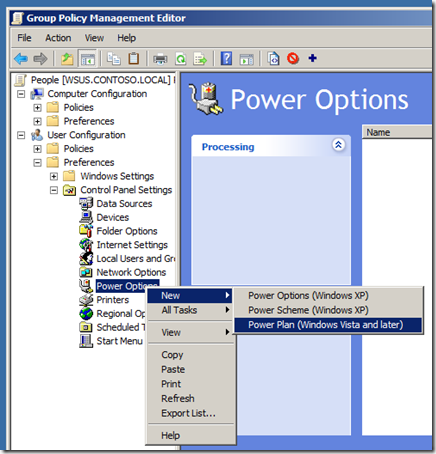
One of the new feature of Group Policy Preferences in Windows 7 and Windows Server 2008 R2 is support for configuring power plans using preferences for Windows Vista and later (see Image 1). You used to be able to control power management in Vista us...
Continue Reading →Thanks for visiting the Group Policy Center. I will be moving over all my Group Policy articles from my other site soon so check back soon. In the mean time you can see all my Group Policy articles at my live space at [Here](
In this screencast, Matt Hester, Sr. IT Professional Evangelist from Microsoft, takes a quick look at an administrative tool in Windows Server 2008 R2. He outlines two of the great, new enhancements to _Group Policy Management_ : filtering group poli...
Continue Reading →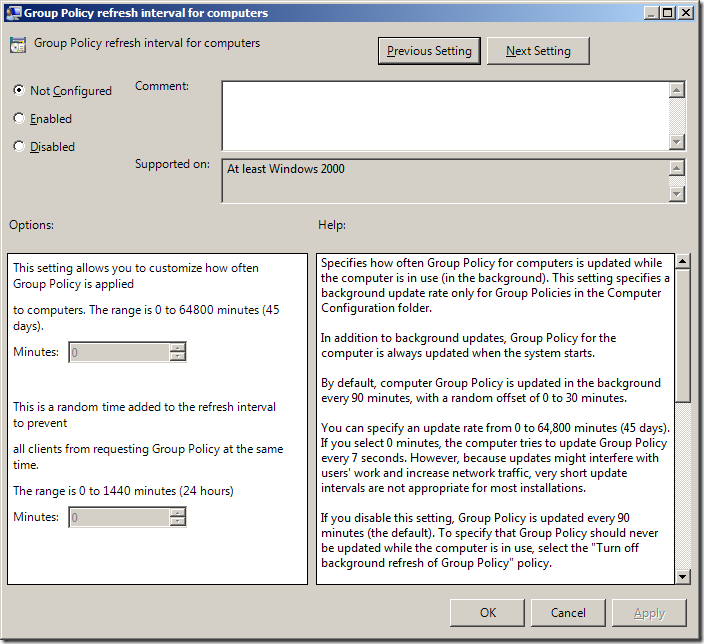
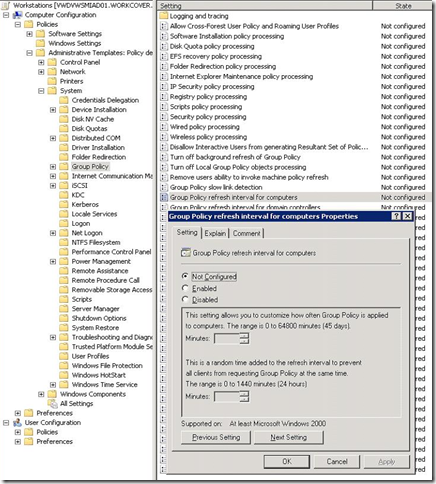
This weeks (and first for the year) Group Policy Setting of the Week is a Group Policy setting that configures Group Policy. The "Group Policy refresh interval for computers" can be found under Computer Configuration > Policies > Administrative Templ...
Continue Reading →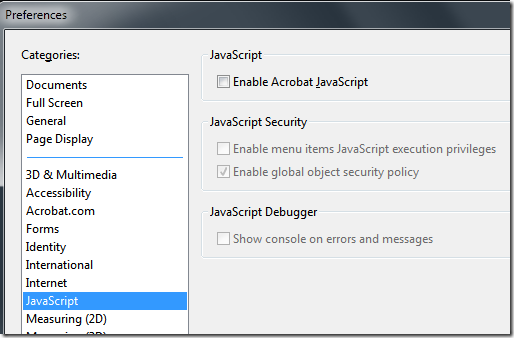
**Update: I have since reposted this article with new registry keys that makes configured Adobe updater a lot easer. Check it out at **[**https://www.grouppolicy.biz/2010/06/updated-how-to-make-adobe-reader-more-secure-using-group-policy/**](

[MDOP: Advanced Group Policy Management and the Larger GP System](
[What's new in Group Policy in Server R2](
[Saving Power Using the Power of Group Policy Preferences](