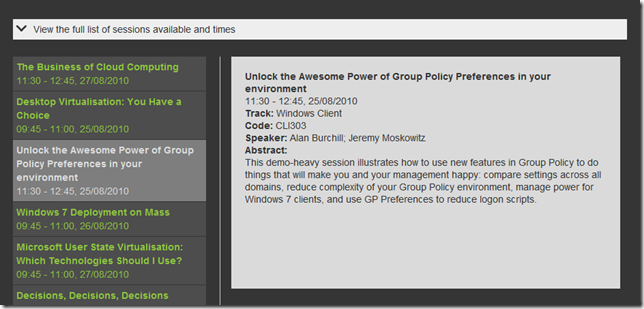
Watch my TechEd 2010 Australian Group Policy Preferences Session LIVE!
I just discovered that mine and Jeremy's session will be broadcasted live as a free silverlight streamed session. You can register for the live session at [TechEd Live](
I just discovered that mine and Jeremy's session will be broadcasted live as a free silverlight streamed session. You can register for the live session at [TechEd Live](
Group Policy Setting on the week will be taking a break for the next 2 weeks as I will be speaking at TechEd Australia and New Zealand. If you are lucky enough to be coming to either event then please come to my one or both of Group Policy sessions....
Continue Reading →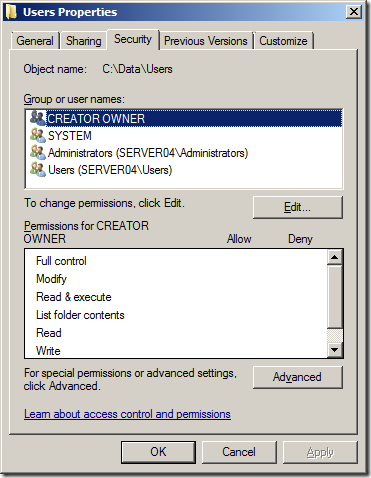
_**Read Me First** : If you are using Folder Redirection with Windows 7 in your organisation then I would definitely recommend that you check my other blog post about a pretty nasty Folder redirection bug and how to fix it at [Disappearing Folder Red...
Continue Reading →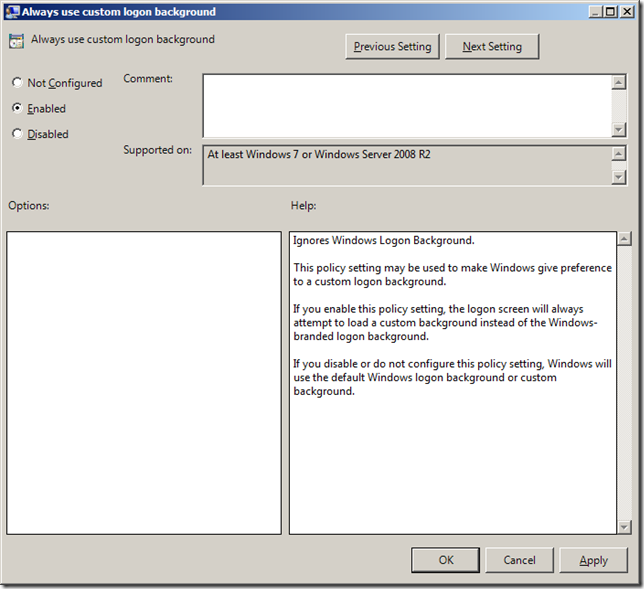
This week setting of the week allows you to prefer a custom logon background image in Windows 7. This setting is called "Always use custom logon background" and can be found under Computer Configuration > Policies > Administrative Templates > System...
Continue Reading →In the [July 29 to August 12th Hot-fix release for Windows 6/7](

[]()Last week I was a guest on the Australia IT Pro podcast called the "Coalface Tech Podcast" where I spoke on the topic of Group Polic...
Continue Reading →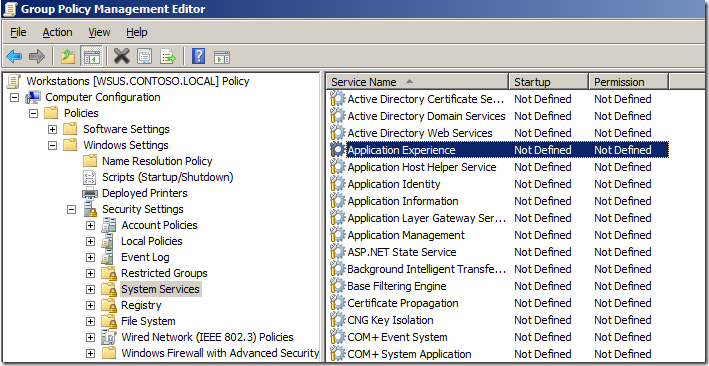
Services are programs that are configured to run in the background of a Windows computer weather or not there is a users that is logged on. They are essential part of windows and are essential to the operation of any windows computers. Without servic...
Continue Reading →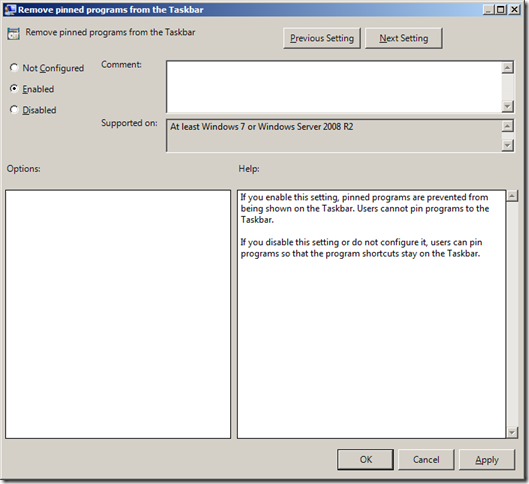
The setting of the week this week disables one of the features in Windows 7 that allowed users to pin programs to the taskbar. This option will be handy if you are in an environment where you want to prevent users from customising the taskbar such as...
Continue Reading →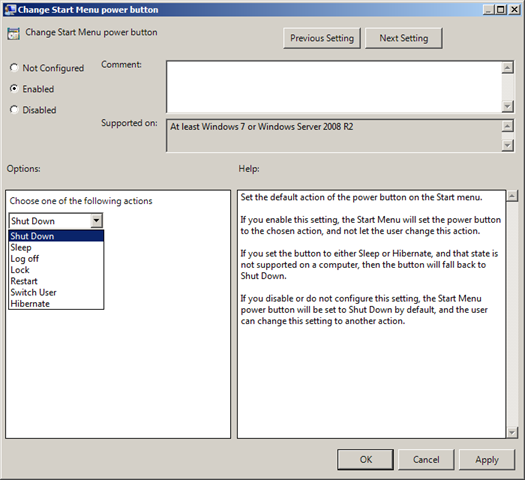
This week setting of the week is called "Change Start Menu power button" which allows you to configured the start menu shutdown button in Windows 7 and Windows Server 2008 R2. You can find this setting under User Configurations>Policies>Administrativ...
Continue Reading →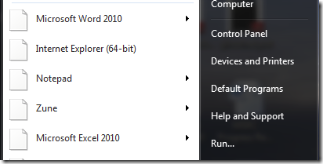
**Update:** Microsoft have now released the patch to the .lnk vulnerability [MS10-046: Vulnerability in Windows Shell could allow remote code execution](

[](
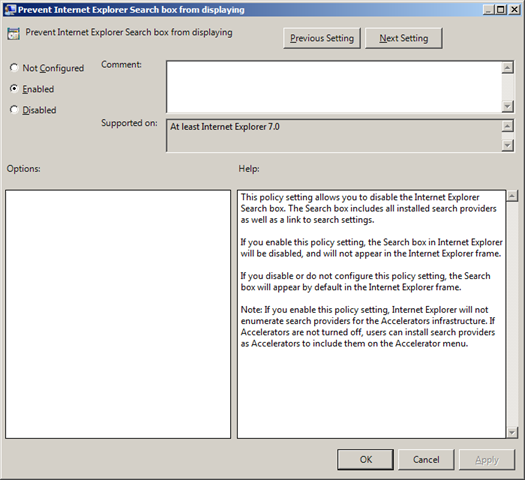
A new hotfix ([KB2171141](