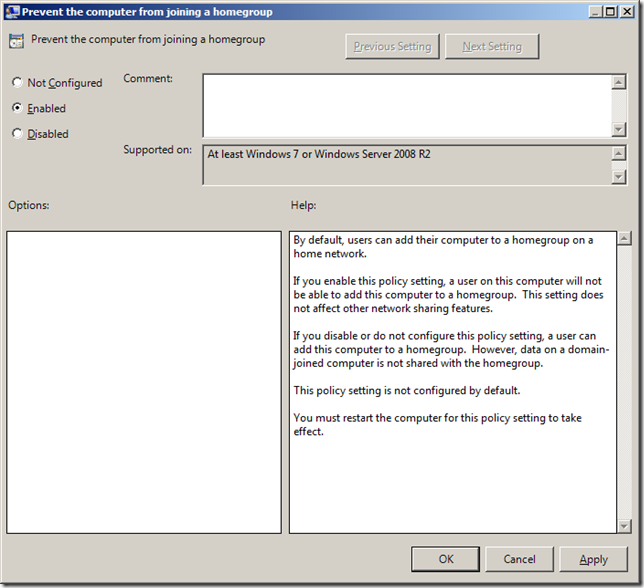
Last week I talked about the "Remove Homegroup link from the Start Menu" option that removed removed the links from the start menu to the Homegroup option without it being disabled. However the setting by itself does not stop a computer from joining a homegroup. So this weeks setting is of course called "Prevent the computer from joining a Homegroup" and is a per computer setting that can be found under Computer Configuration > Administrative Templates > Windows Components > Homegroup.
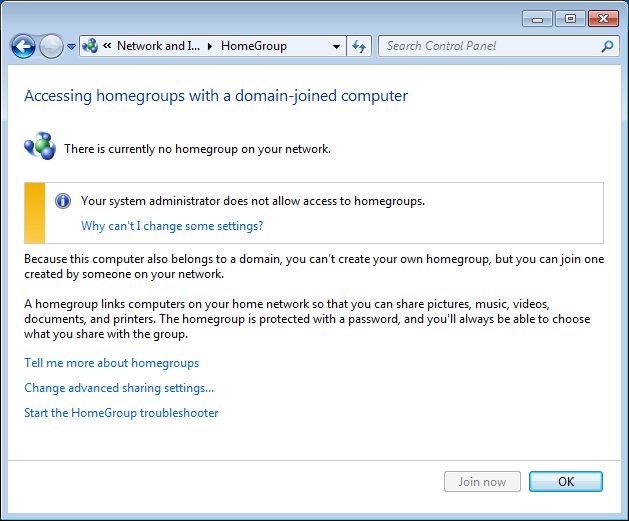
Note: Unlike the name suggests if you enable this setting and the computer is already joined then the next time it is reboot it will not connect the homegroup it is already a member (See image below). Therefore I recommend you implement this in conjunction with the "Remove Homegroup link form the Start Menu" setting so as to not confuse the users by allow them access to something that will not work.
Also note that if you were to then remove of disable the "Disable Homegroup" policy then that computer would also no longer be a member of that homegroup anymore.
For more information on this policy see http://gps.cloudapp.net/Default.aspx?PolicyID=2358