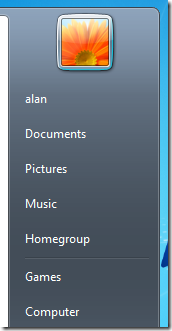
Homegroup is a new feature in Windows 7 that allows users on a small network to easily share all their files and printers with each other with a single share password. This greatly simplifies the process to securely share information on a home network and it can include both domain and non-domain joined computers. As an IT administrator you may not want to encourage the use of this feature for your domain joined computers so there is an option to remove the Homegroup link from the Start Menu. This setting can be found under User Configuration > Policies > Administrative Templates > Start Menu and Taskbar and as a Homegroup is a Windows 7 feature this can obviously only be configured on Windows 7 computers.
| Start Menu with Homegroup — Before | Start Menu with Homegroup — Before |
|---|---|
 |
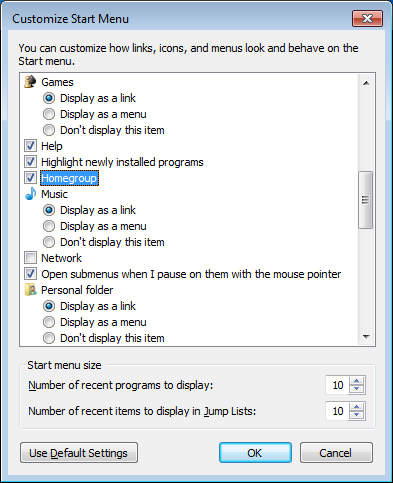 |
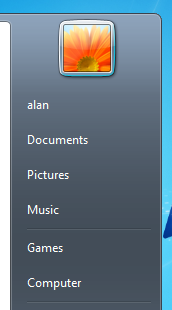
| Start Menu without Homegroup — Enabled | Customize Start Menu — Enabled |
 |
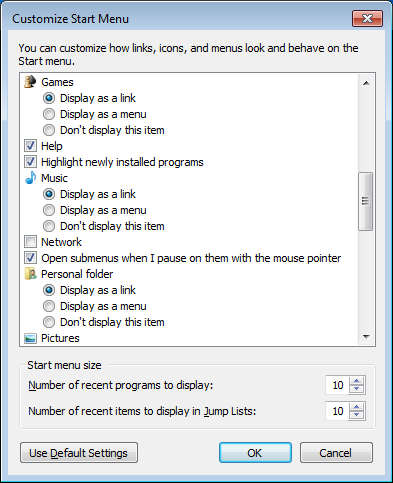 |
Note: This only removes the shortcut from menu so users can still configure a homegroup via the control panel.
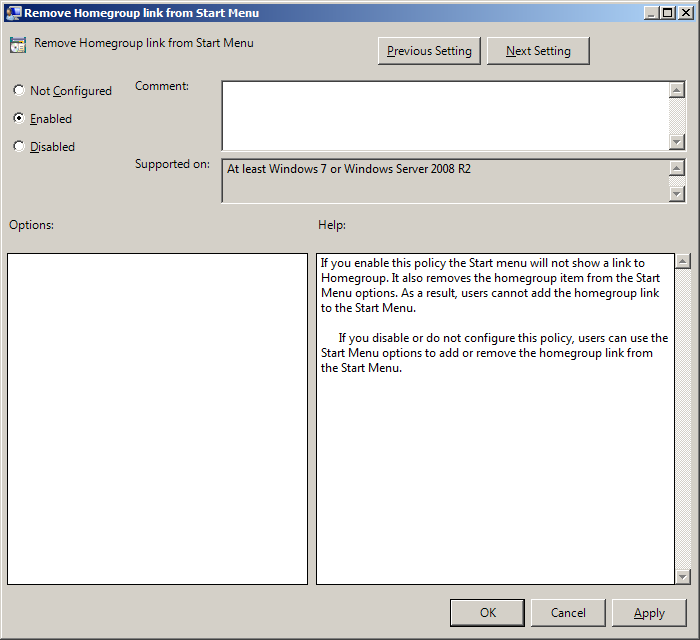
For more information on this setting see http://gps.cloudapp.net/Default.aspx?PolicyID=4668