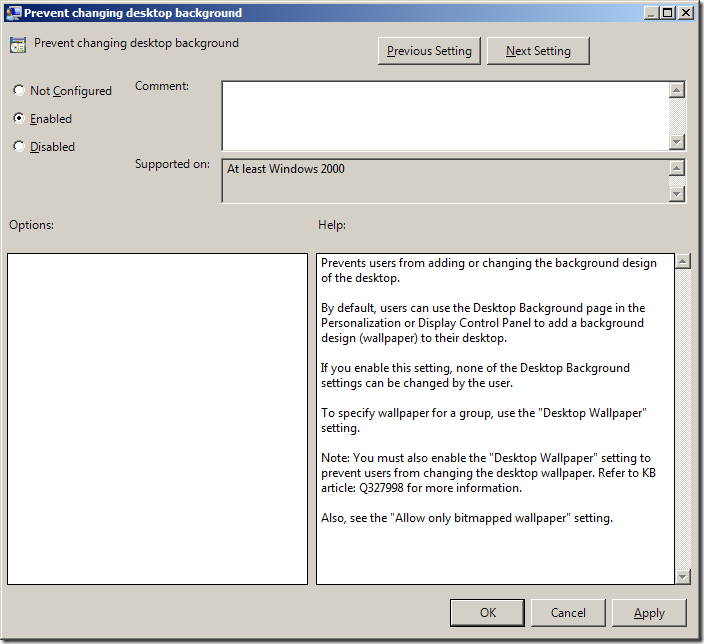
This weeks setting of the week is a double header but they are really simple but so commonly used that they really have to be mentioned.
The first setting is found under User Configuration > Policies > Administrative Templates > Control Panel > Personalization > Prevent changing desktop background. As the name suggest this setting prevents users from changing the background image via the Display Setting control panel applications however it does not prevent users from right clicking on an image and setting it as a background image.
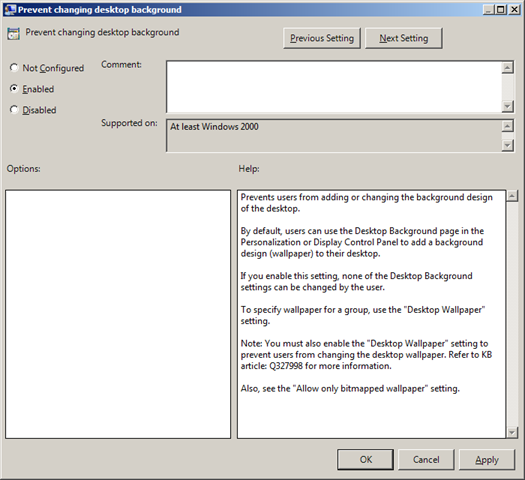
Recommendation: Enabled
If you really want to stop users from changing the background image then you also need to configure the "Desktop Wallpaper" setting to specify a background image which can be found under User Configuration > Policies > Administrative Templates > Desktop > Desktop (yes Desktop is there twice).
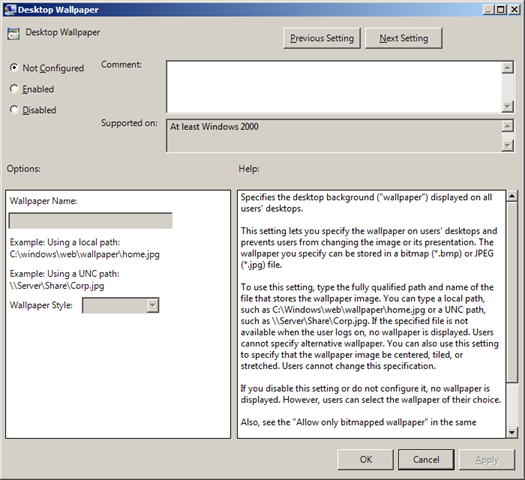
Recommendation: Enabled (specify path to background image)
These setting should be configured for anyone want to implement a standard background desktop image of their SOE computers. However be warned if you are going to implement this setting then expect to cop a lot of flack from your users complaining they cant set their background image to their favourite family photo or even worse their cat.