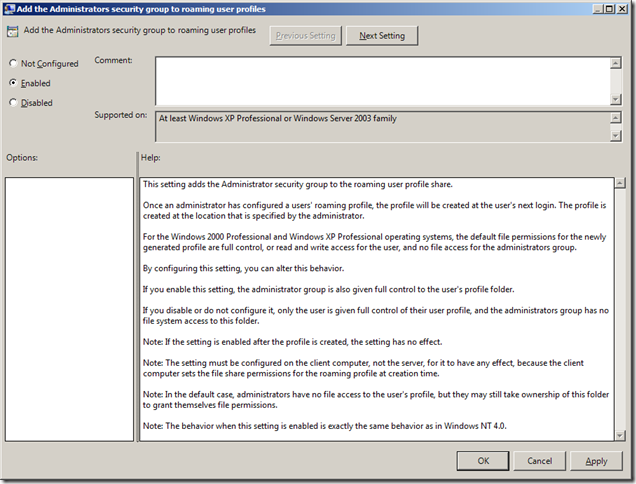
This week I have decided to chose "Add the Administrator security group to roaming users profiles" as the setting of the week. This setting can be found under "Computer Configuration > Policies > Administrative Templates > System > User Profiles" and applied to Windows XP / 2003 or later.
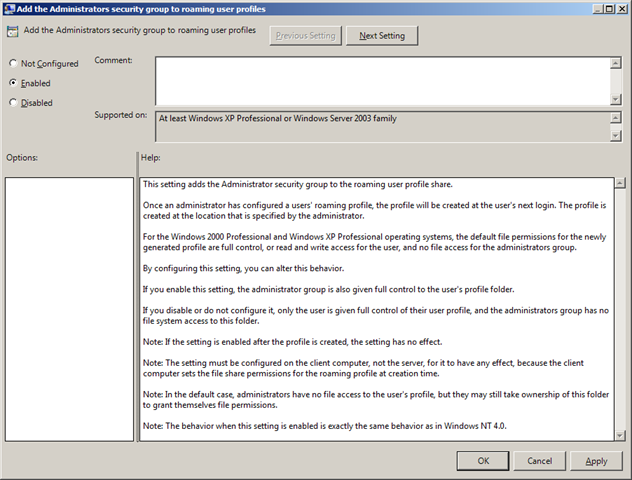
This setting adds the administrator ACL to the users roaming profile path on the server when it is first created. This greatly helps your user administrator as they don't need to perform complicated take ownership and permission changes when they need to access a users profile to do something like a file restore or profile move.
In my experience unless the privacy of the users personal files on your companies file server needs to be guaranteed this option is normally enabled.
BUT!!!! Be very sure that you enable this option as soon as possible as this setting does NOT apply retrospectively to existing users profiles as it only applied the administrators group to the profile when the roaming profile when it is created on the server for the first time.